Guidebook (33.4MB PDF)
 Experiment Guide
Product Overview
Welcome to the world of electronics and programming! The SparkFun Inventor's Kit (SIK) is our flagship, all-in-one kit designed to guide you from your very first line of code to building a fully autonomous robot. This is the premier starting point for anyone new to the Arduino programming language and hardware interaction. Absolutely no previous programming or electronics experience is required; we'll teach you everything you need to know! Your journey into electronics and programming starts here.
The Ultimate Project-Based Learning Experience
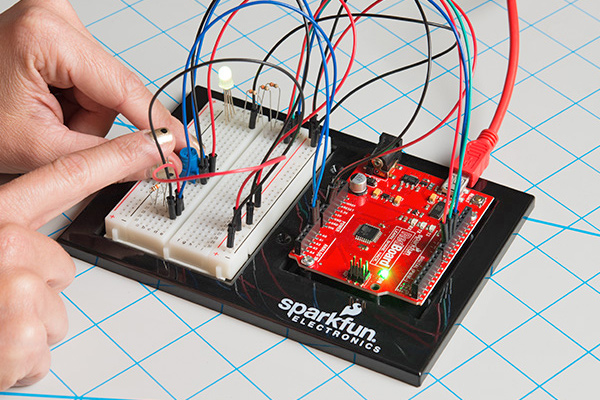
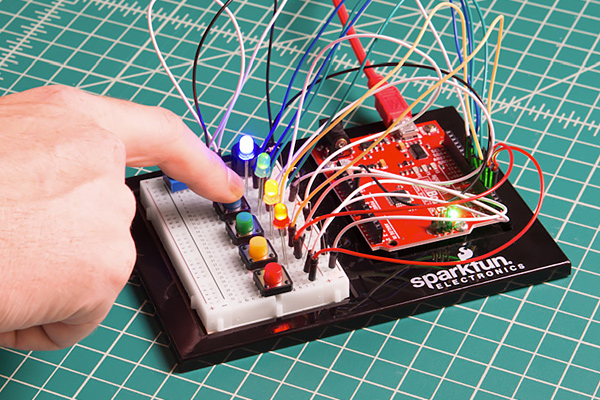
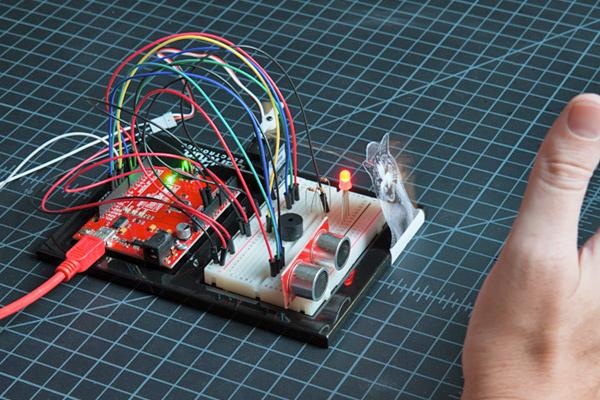
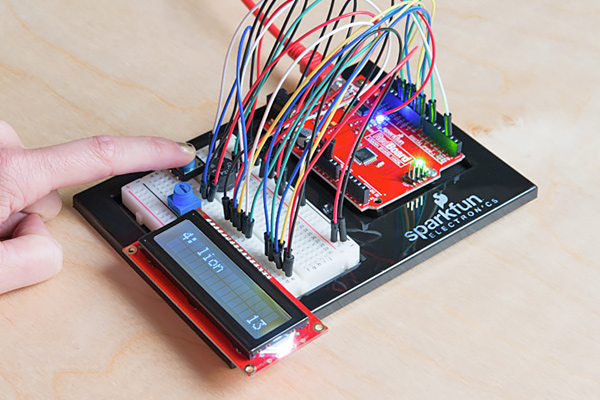
With version 4.1.2, we’ve revolutionized the learning process. Instead of just introducing one component at a time, this kit teaches embedded electronics in context. You will build five overarching projects, each broken down into 16 interconnected circuits.
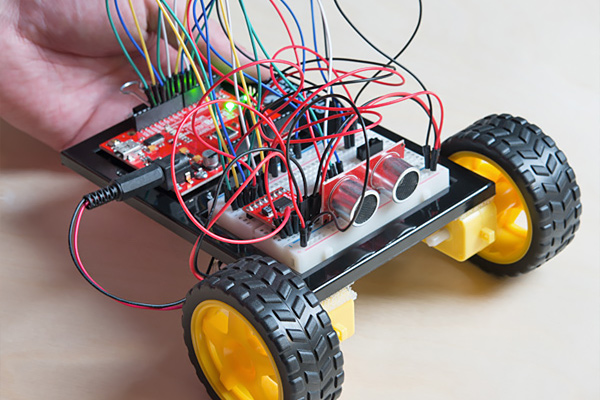
Each circuit builds upon the last, progressively teaching you everything from blinking an LED to reading sensors, driving motors, and more. This project-based approach makes learning more engaging and ensures you understand why you're using each component. The culminating project is your very own object-avoiding robot, which impressively integrates all the components and concepts you've mastered.
A Guidebook That's Your Personal Instructor
The heart of the SIK is its full-color, spiral-bound guidebook. This isn't just a manual; it's your step-by-step instructor. It features:
- Crystal-Clear Instructions: Easy-to-follow steps for building every circuit.
- Detailed Circuit Diagrams: Fritzing diagrams so you know exactly where every wire goes.
- Hookup Tables: Clear tables to ensure your connections are correct.
- Complete Example Code: Fully commented code that is ready to run and easy to understand.
- Concept Explanations: We explain new components and concepts right when you need them.
- Troubleshooting Tips: Helpful advice to get you unstuck if something goes wrong.
No Soldering, Just Learning
The SIK is designed for beginners ages 10 and up. Everything is done on a solderless breadboard, making it safe and easy to build, modify, and rebuild your circuits as many times as you want.
Your Gateway to a Larger Ecosystem
This kit includes the SparkFun RedBoard Qwiic, a powerful and easy-to-use Arduino-compatible board. The RedBoard is your "what's next." Once you've mastered the circuits in this kit, its built-in Qwiic connector unlocks the entire SparkFun Qwiic Connect System.
The Qwiic ecosystem is an expansive family of I2C sensors, actuators, shields, and cables that make prototyping faster and less error-prone. All Qwiic-enabled boards use a common 1mm, 4-pin polarized connector. This means:
Your learning journey doesn't have to stop when you finish the guide. The SIK is the perfect launchpad into a limitless world of electronics.
Note: The SparkFun RedBoard Qwiic is a modern board that uses a different driver than older RedBoards. Please be sure to download and install the new driver to get started.