Digi XBee® Buying Guide
Feeling swamped by the sea of Digi XBee options? This guide untangles specs, compares features, and points you towards the perfect Digi XBee module and development board for your wireless adventure.
Digi XBee: Unleashing the Wireless Power Within
Imagine: sensors whispering data from remote fields, robots collaborating across vast distances, or smart devices communicating seamlessly. This future of connected wonders becomes reality with Digi XBee, your tiny bridge to the world of wireless possibilities.
Think of XBee as a miniature translator, speaking the language of your devices to the outside world. Whether it's Arduino projects, sensors, or even robots, XBee empowers them to talk wirelessly, sending and receiving data without wires holding them back.
But XBee isn't just about talking. It's about pushing the boundaries of what's possible. Choose from a range of protocols, reaching faraway locations with cellular networks or keeping things close with Bluetooth. Power efficiency lets your projects roam free, while built-in security keeps your data safe from unwanted listeners.
So, whether you're a tinkering hobbyist or a seasoned engineer, XBee unlocks a world of wireless freedom. Build remote monitoring systems, automate your home, or control robots from afar. The possibilities are endless, limited only by your imagination.
Exploring XBees and XCTU
March 12, 2015
How to set up an XBee using your computer, the X-CTU software, and an XBee Explorer interface board.
Compare Digi XBee Modules
Selecting the ideal Digi XBee module hinges on various factors for bridging device connectivity. With diverse protocols and features, Digi XBee can empower remote sensor data transmission, synchronized robot operations, and effortless communication among smart devices, facilitating tailored project solutions.
Digi XBee® 3 Low-Power LTE-M/NB-IoT, GNSS, no SIM
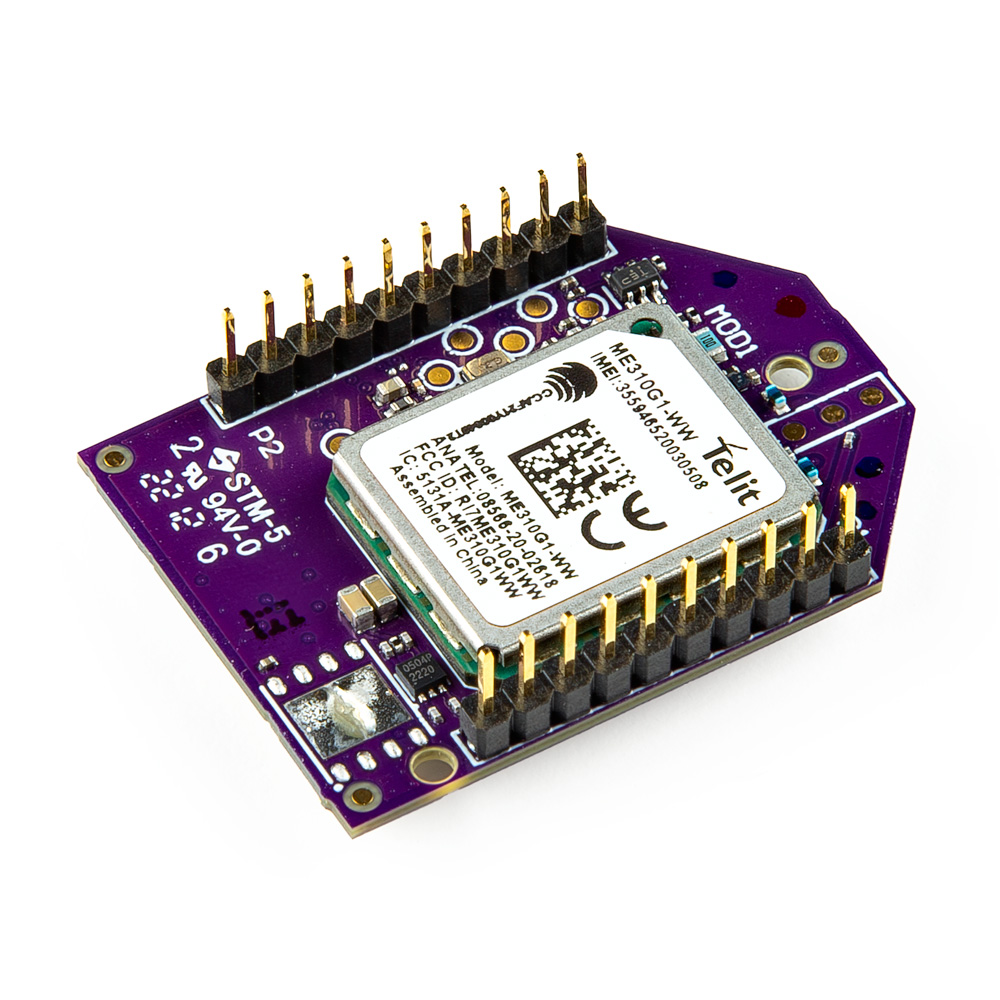
The Digi XBee 3 global cellular module is a cutting-edge, compact module engineered for rapid integration of cellular IoT capabilities.
| Cellular Chipset | Power Consumption | Receive Sensitivity | SIM Size | Tx Power | Data Rate | Antenna |
|---|---|---|---|---|---|---|
| Telit ME310G1-W1 | 200-270mA Average @ 3.3V | LTE-M: −105dBm, NB-IoT: −113dBm | 4FF Nano | Up to 23dBm (LTE-M/NB-IoT) | LTE-M: Up to 588kbps, NB-IoT: Up to 120kbps | 1 U.FL cellular, 1 U.FL Bluetooth®, 1 U.FL GNSS |

Digi XBee® 3 North America LTE Cat 1, 3G, GNSS, no SIM
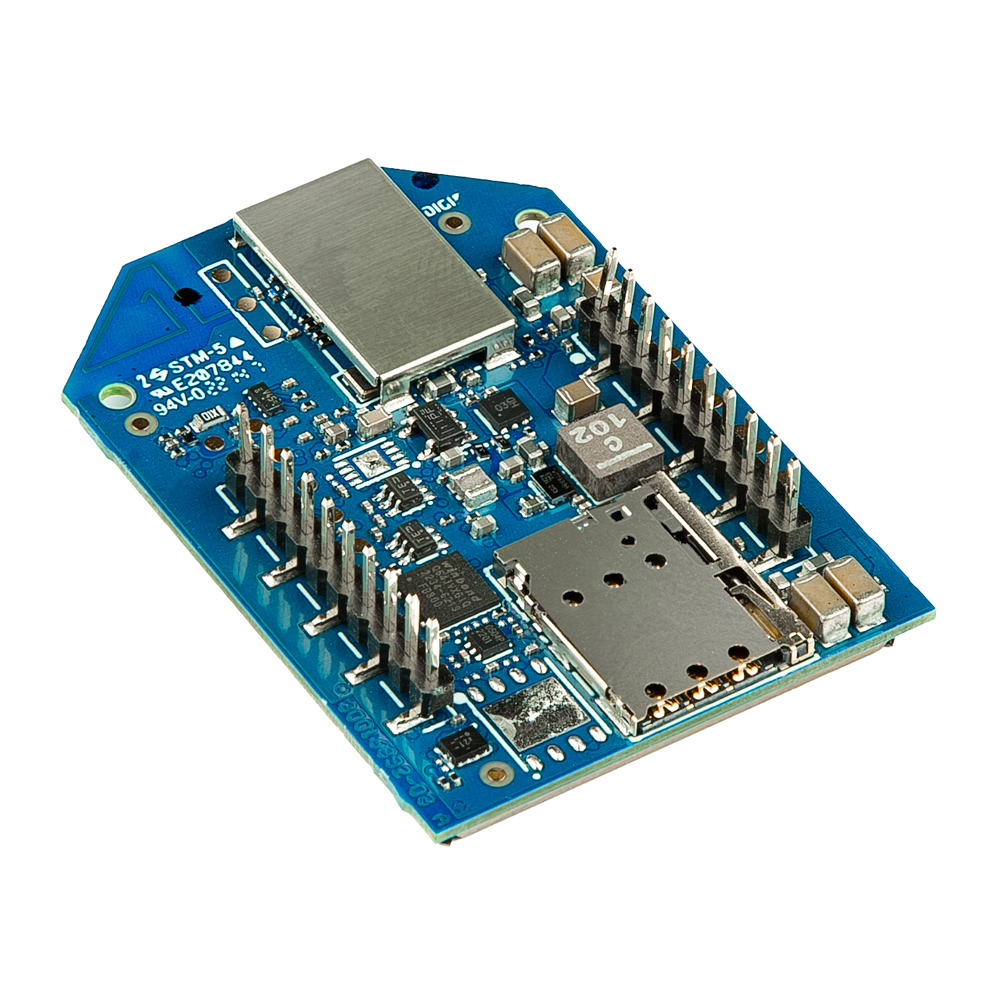
The Digi XBee 3 global cellular module is a compact, programmable, reliable solution with BLE and end-device carrier certifications.
| Cellular Chipset | Power Consumption | Receive Sensitivity | SIM Size | Tx Power | Data Rate | Antenna |
|---|---|---|---|---|---|---|
| Thales PLS63-X | 890mA Average @ 3.3V | (4G LTE/3G/2G): 103 dBm / 110 dBm / NA | 4FF Nano | (4G LTE/3G/2G): 23 dBm / 23.5 dBm / NA | 10Mbps | 2 U.FL: cellular diversity, 1 U.FL: GNSS; embedded Bluetooth® antenna |
Digi XBee® RR Pro Module - SMA Antenna
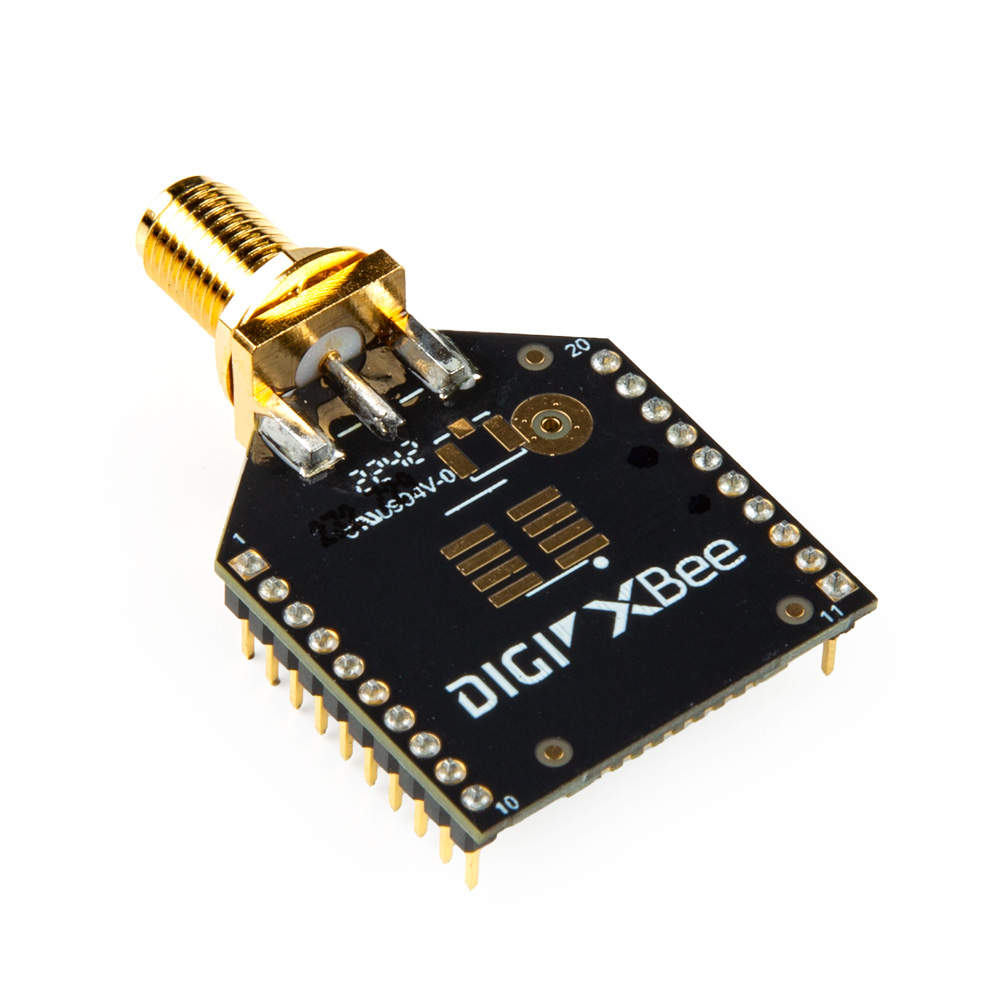
The Digi XBee® RR Pro Module is a long-range, embedded solution providing fast point-to-multipoint or peer-to-peer networking via an SMA antenna (not included).
| Range | Power Consumption | Frequency | Protocol | Tx Power | Data Rate | Antenna |
|---|---|---|---|---|---|---|
| Indoor: Up to 90m, Outdoor: Up to 3200m | 193mA @ 3.3V | 2.4GHz | Zigbee 3.0 | 79 mW | RF 250Kbps, serial up to 1Mbps | SMA (Etx./Not Included) |
Digi XBee® RR Module - SMA Antenna
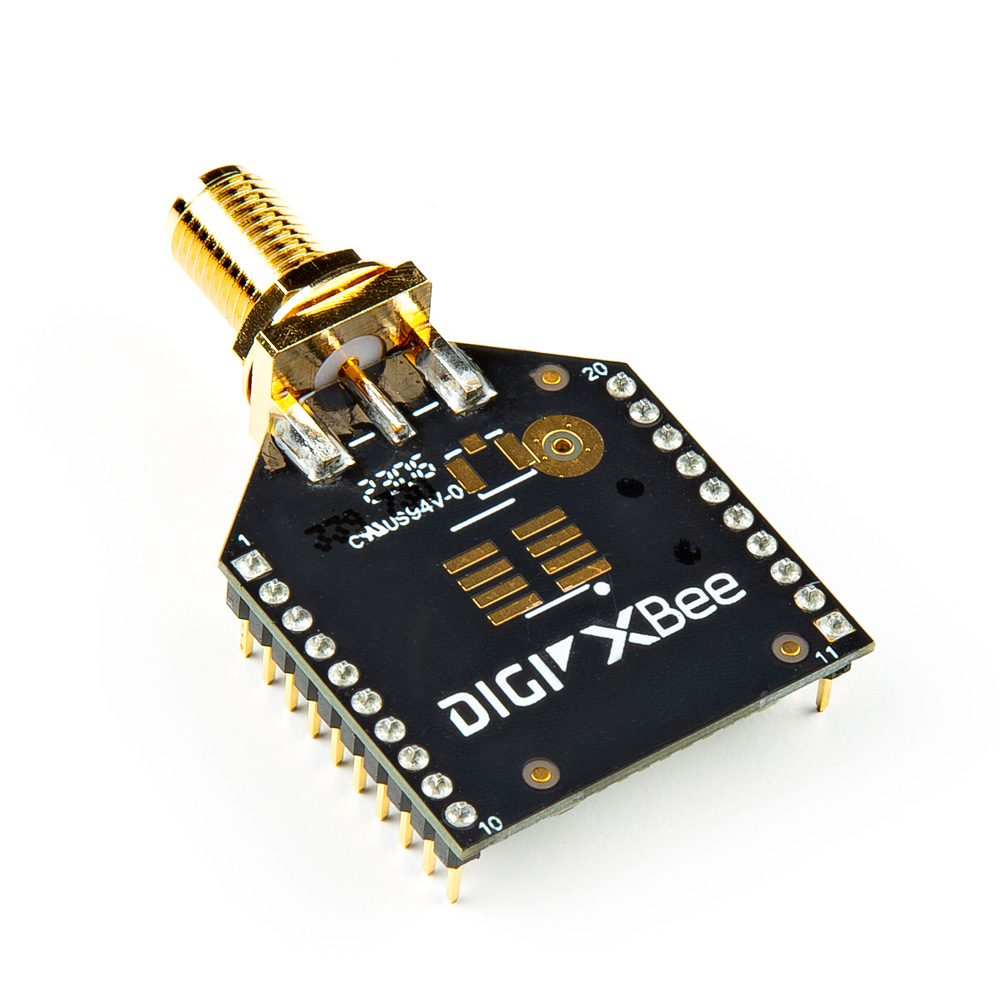
The Digi XBee® RR Module is an embedded solution providing fast point-to-multipoint or peer-to-peer networking via an SMA antenna (not included).
| Range | Power Consumption | Frequency | Protocol | Tx Power | Data Rate | Antenna |
|---|---|---|---|---|---|---|
| Indoor: Up to 60m, Outdoor: Up to 1200m | 32mA @ 3.3V | 2.4GHz | Zigbee 3.0 | 6.3mW | RF 250Kbps, serial up to 1Mbps | SMA (Etx./Not Included) |
Digi XBee® RR Pro Module - U.FL Antenna
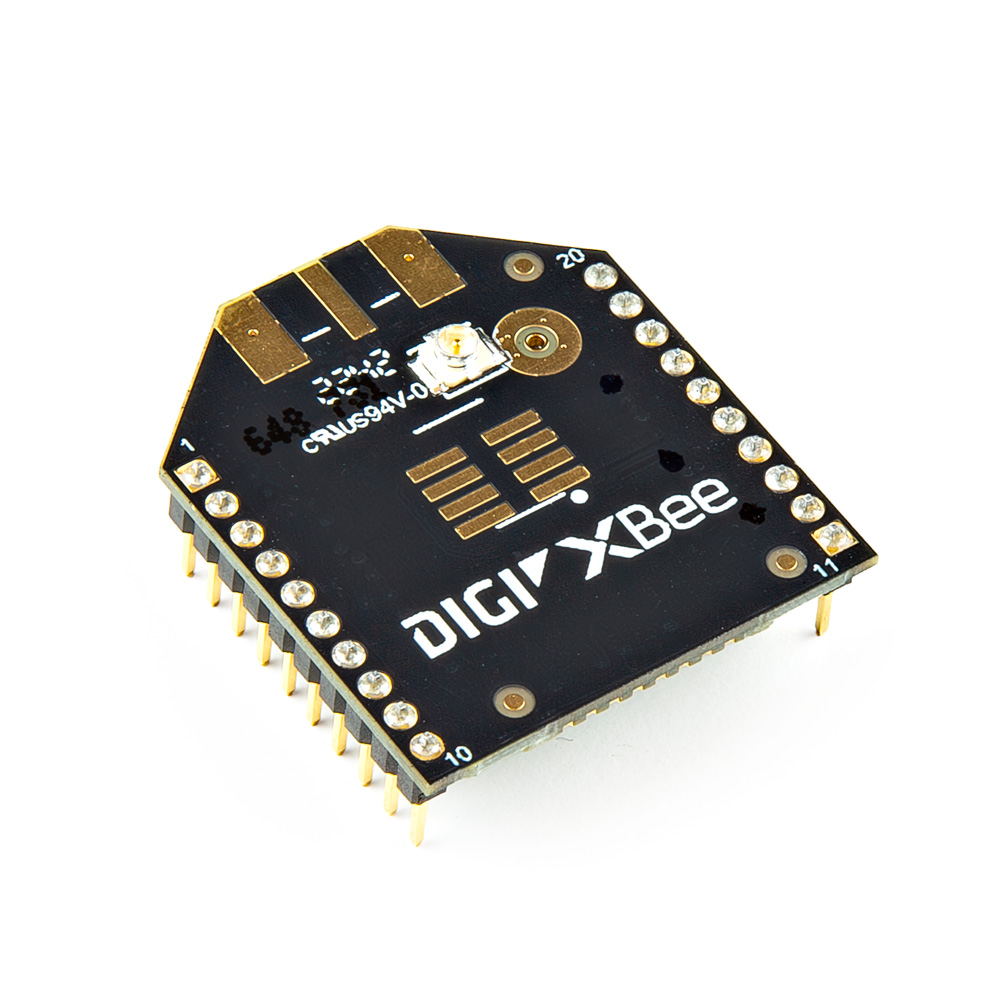
The Digi XBee® RR Pro Module is a long-range, embedded solution providing fast point-to-multipoint or peer-to-peer networking via an U.FL antenna (not included).
| Range | Power Consumption | Frequency | Protocol | Tx Power | Data Rate | Antenna |
|---|---|---|---|---|---|---|
| Indoor: Up to 90m, Outdoor: Up to 3200m | 193mA @ 3.3V | 2.4GHz | Zigbee 3.0 | 79 mW | RF 250Kbps, serial up to 1Mbps | U.FL (Etx./Not Included) |
Digi XBee® RR Module - U.FL Antenna
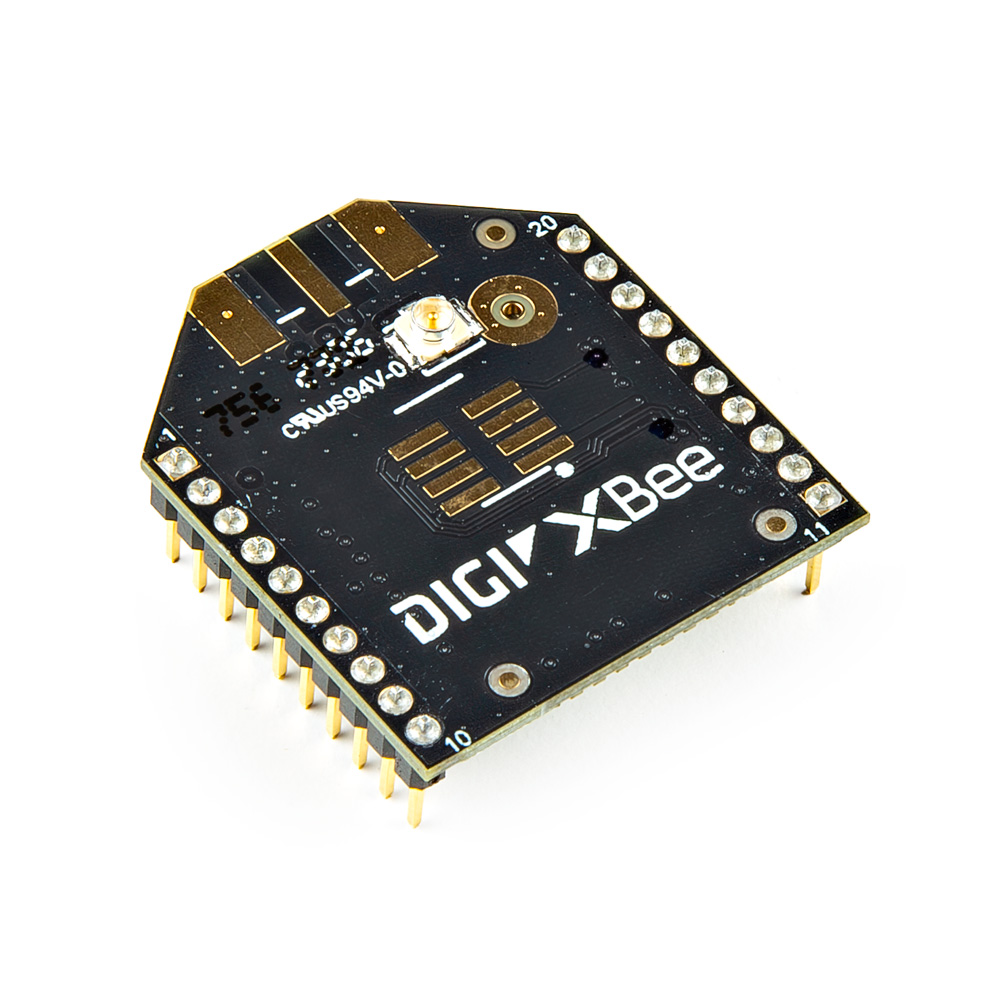
The Digi XBee® RR Module is an embedded solution providing fast point-to-multipoint or peer-to-peer networking via an U.FL antenna (not included).
| Range | Power Consumption | Frequency | Protocol | Tx Power | Data Rate | Antenna |
|---|---|---|---|---|---|---|
| Indoor: Up to 60m, Outdoor: Up to 1200m | 32mA @ 3.3V | 2.4GHz | Zigbee 3.0 | 6.3mW | RF 250Kbps, serial up to 1Mbps | U.FL (Etx./Not Included) |
Got an XBee from yesteryear? Don't relegate it to the tech museum!
Navigate Digi's Legacy Module Guide for a treasure trove of resources. Compare specs, find compatible tools, and even grab replacements - all to keep your classic wireless warrior humming. Let nostalgia meet progress, one XBee at a time!
Digi XBee Legacy Modules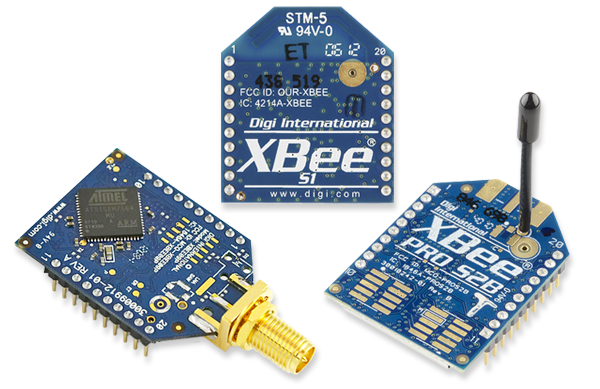
Digi XBee Development Boards
SparkFun Digi XBee boards offer diverse wireless options! Pick from cellular and GNSS on the Development Board, create low-power wonders with the Explorer Regulated, connect to your PC with the USB-C adapter, or delve into Arduino magic with the dedicated shield. Customize range, power, and platform for your project and conquer the wireless frontier!
SparkFun Digi XBee® Development Board
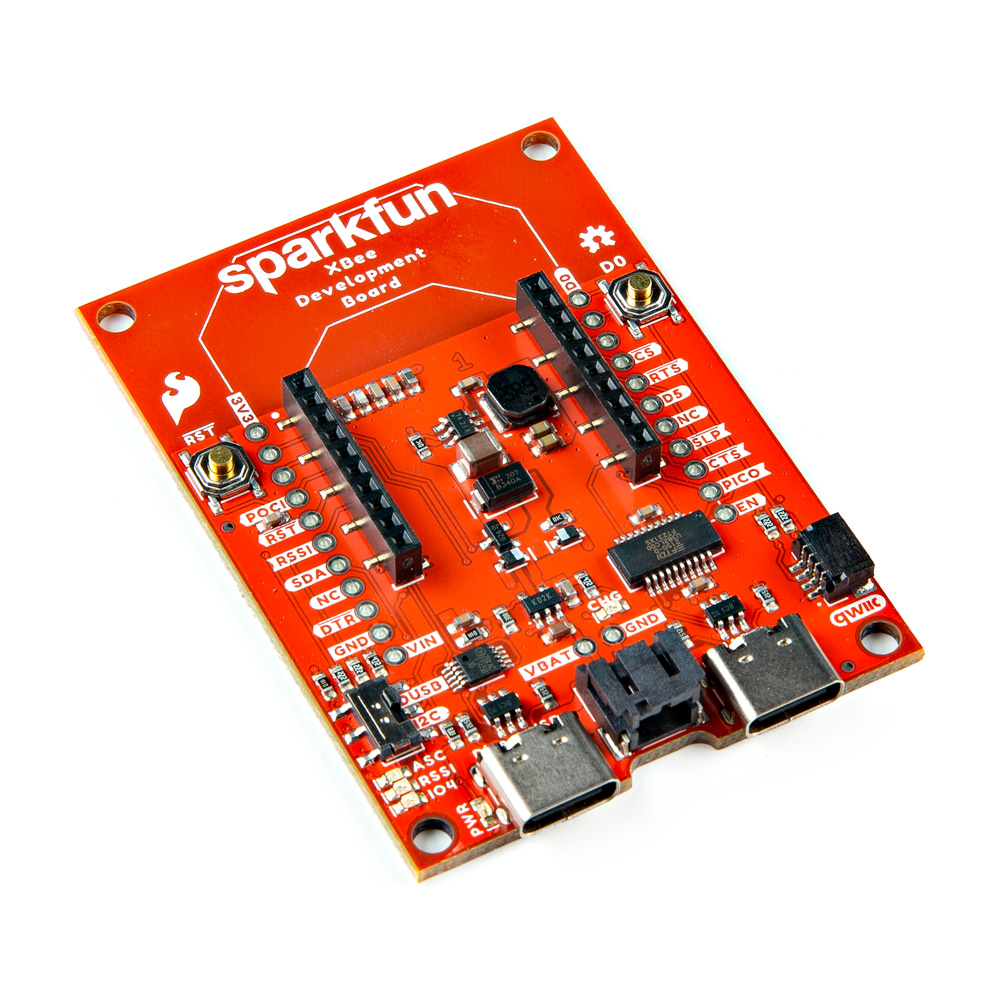
The SparkFun Digi XBee® Dev Board breaks out all the functionality of your Digi XBee module, with the ability to connect to a cellular network and GNSS!
| Connectivity | Power Management | Expandability | Configuration | Additional Features |
|---|---|---|---|---|
| 2 USB-C connectors for UART and firmware updates | Built-in AP63203 buck converter (up to 2A), up to 6V supply voltage, JST port for battery power | Qwiic connector for I2C sensors and peripherals, Reset and D0 buttons | Configurable via XCTU or AT commands | 3 indicator LEDs |
SparkFun Digi XBee® Explorer Regulated
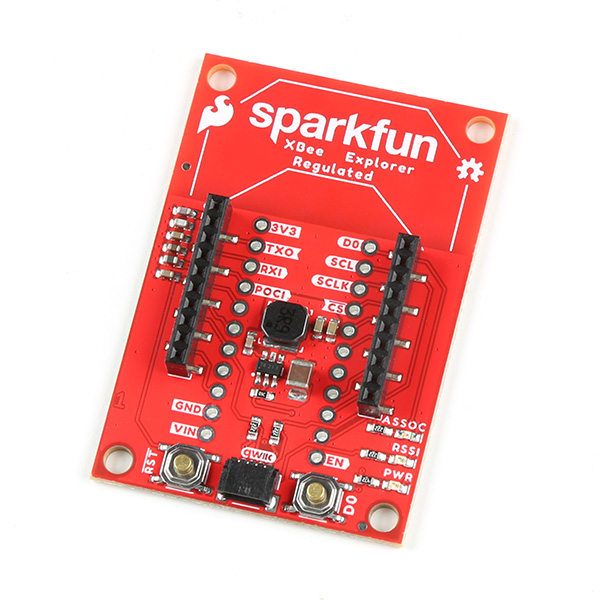
The SparkFun Digi XBee® Explorer Regulated is a versatile breakout board that streamlines your workflow, providing everything you need to get started.
| Connectivity | Power Management | Expandability | Configuration | Additional Features |
|---|---|---|---|---|
| None directly on board (XBee modules provide connectivity options) | Built-in AP63203 buck converter (up to 2A), up to 6V supply voltage | Qwiic connector for I2C sensors and peripherals, Reset and D0 buttons | Configurable via AT commands | 3 indicator LEDs |
SparkFun Digi XBee® Explorer USB-C
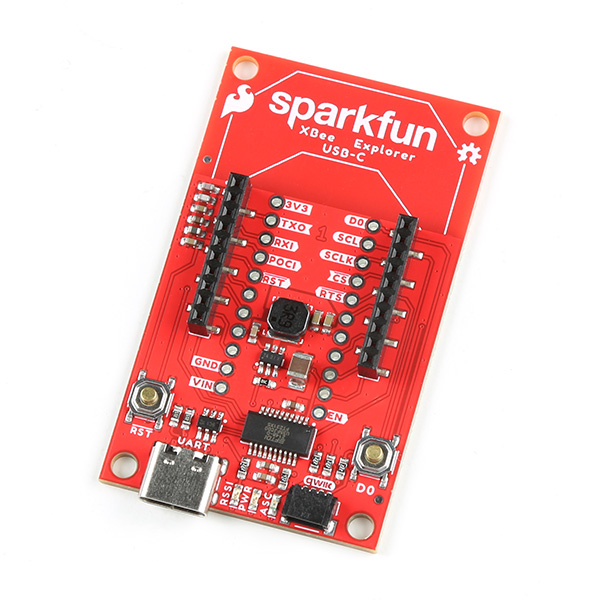
The SparkFun Digi XBee® Explorer USB-C is the perfect option for extensive XBee development functionality with quick (Qwiic) connectivity!
| Connectivity | Power Management | Expandability | Configuration | Additional Features |
|---|---|---|---|---|
| Single USB-C connector for UART communication with your computer (XBee modules provide additional connectivity options) | Built-in AP63203 buck converter (up to 2A), up to 6V supply voltage | Qwiic connector for I2C sensors and peripherals, Reset and D0 buttons | Configurable via XCTU or AT commands | 3 indicator LEDs |
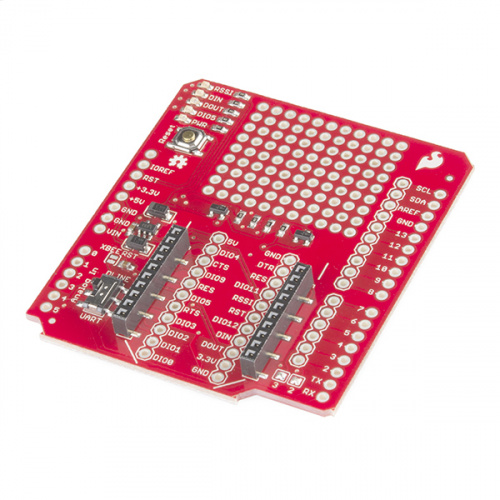
SparkFun Digi XBee® Arduino Shield - USB-C (Qwiic)
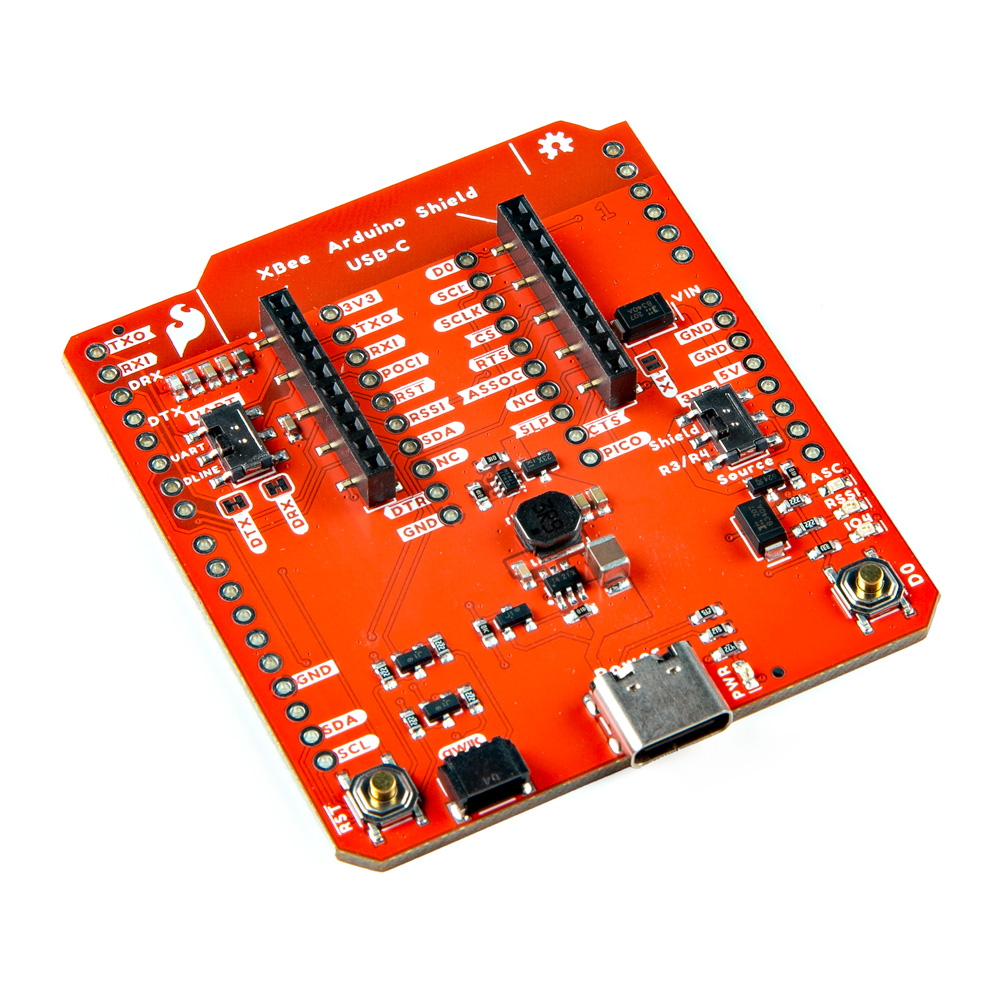
The SparkFun Digi XBee® Arduino Shield is your gateway to a world of wireless innovation on your favorite Arduino device.
| Connectivity | Power Management | Expandability | Configuration | Additional Features |
|---|---|---|---|---|
| None directly on board (XBee modules provide connectivity options) | Built-in AP63203 buck converter (up to 2A), powers from Arduino board via USB-C connector | Qwiic connector for I2C sensors and peripherals, Reset and D0 buttons | Configurable via AT commands | 3 indicator LEDs, power selection features (Arduino board or external), serial selection, Arduino R3 footprint |
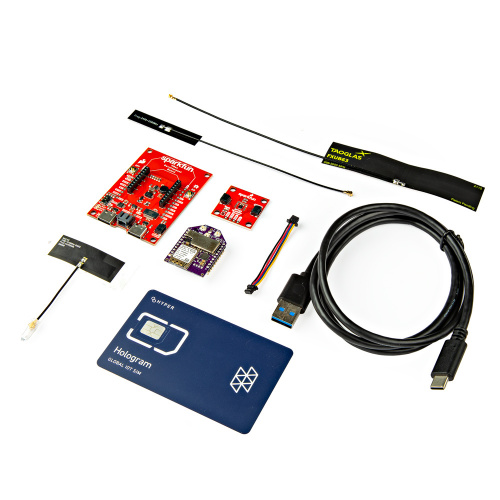
SparkFun Digi XBee® Kit
The SparkFun Digi XBee® Kit is your ticket to remote sensing adventures. Unbox this treasure trove of tools and watch your imagination take flight. Included with this kit, you will find everything you need to get started using Digi XBee and the Qwiic Connect System.
Everything you need to get started with Digi XBee
Whether you're a seasoned IoT enthusiast or a curious explorer dipping your toes into the world of low-power cellular, the SparkFun Digi XBee® Kit provides the perfect launchpad. Navigate remote landscapes, gather priceless data, and unlock the potential of wireless connectivity.
- SparkFun Digi XBee® Development Board
- Digi XBee® 3 Low-Power LTE-M/NB-IoT, GNSS, no SIM
- SparkFun Humidity Sensor Breakout - SHTC3 (Qwiic)
- Hologram eUICC SIM Card
- LTE Wide Band Flex Antenna 600MHz - 6000MHz
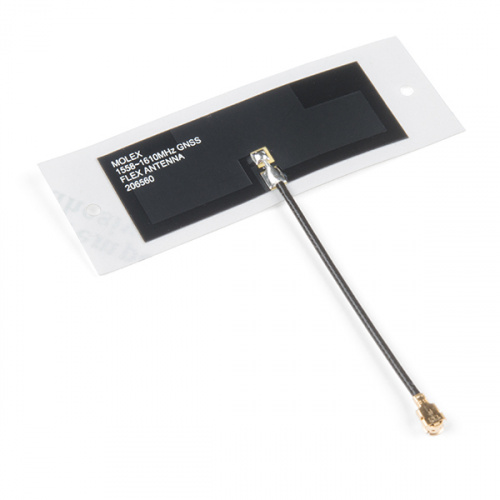
- Molex Flexible GNSS Antenna - U.FL (Adhesive)
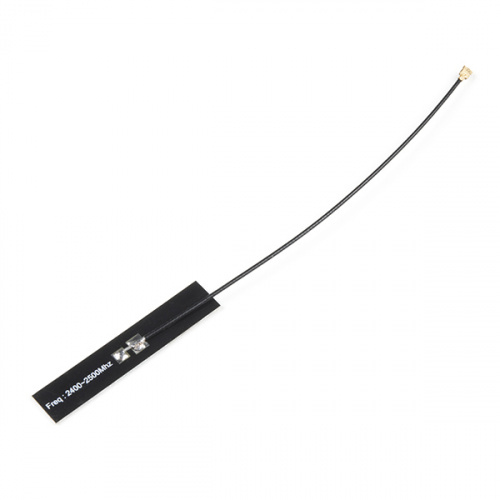
- PCB Antenna - U.FL (2.4GHz)
- Flexible Qwiic Cable - 50mm
- USB 3.1 Cable A to C - 3 Foot
Digi XBee Accessories
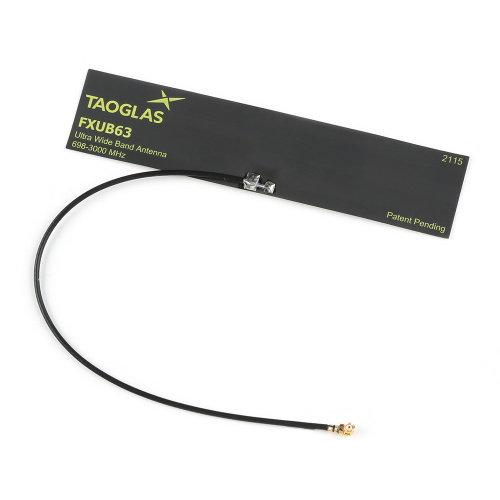
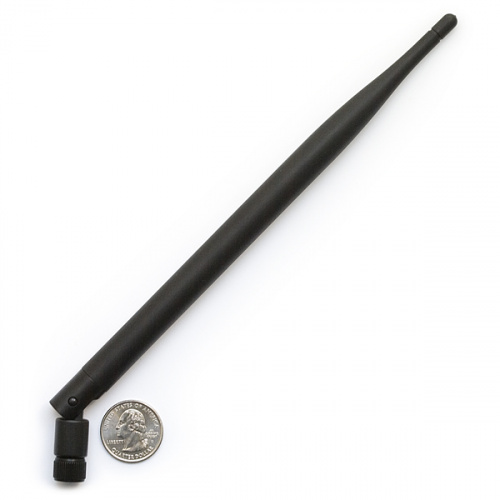
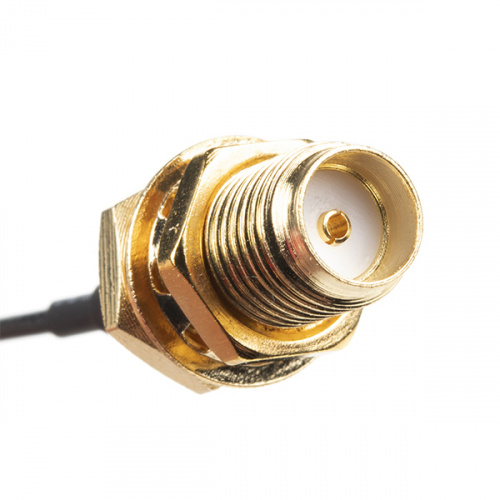
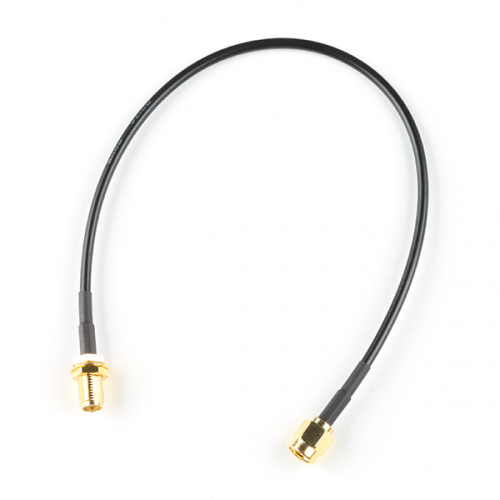
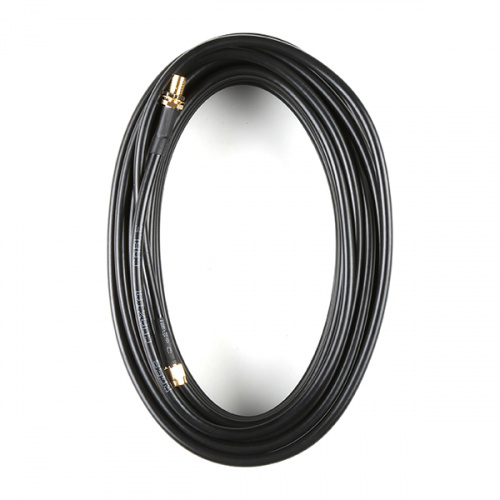
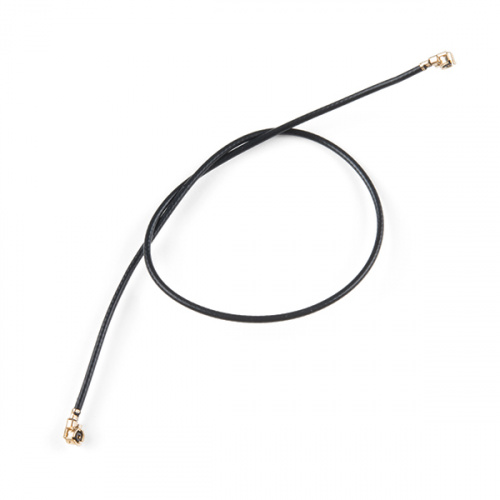
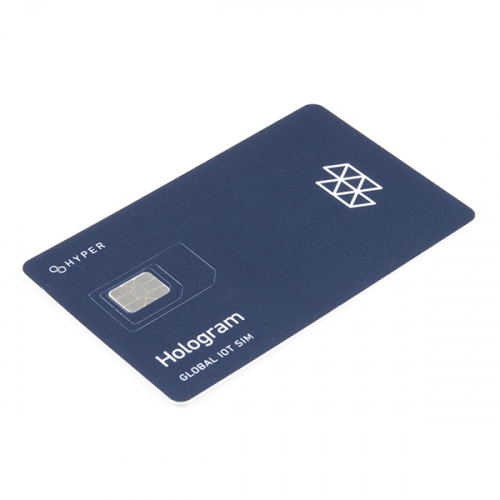
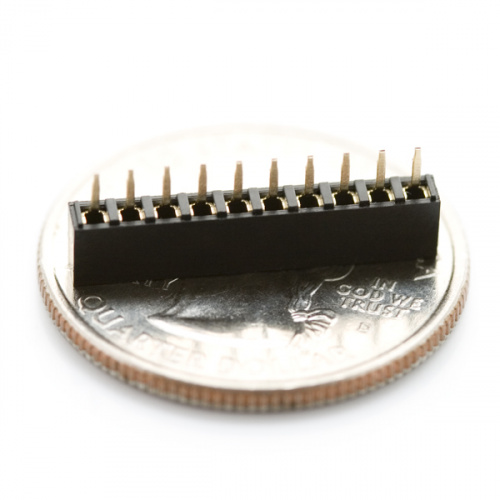
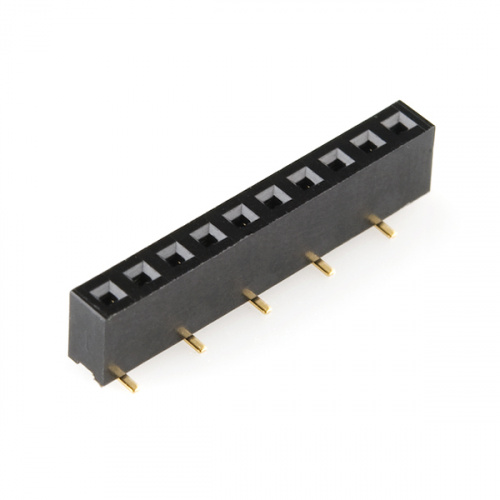
Don't let wires and modules slow you down! Digi XBee accessories are your secret allies. Boost your signal with powerful antennas, whip up quick connections with robust wire connectors, or breathe new life into legacy boards with adapters. Need to tap into cellular networks? Grab a SIM card and unleash global possibilities. Top it off with header packs to customize your setup.